Posts

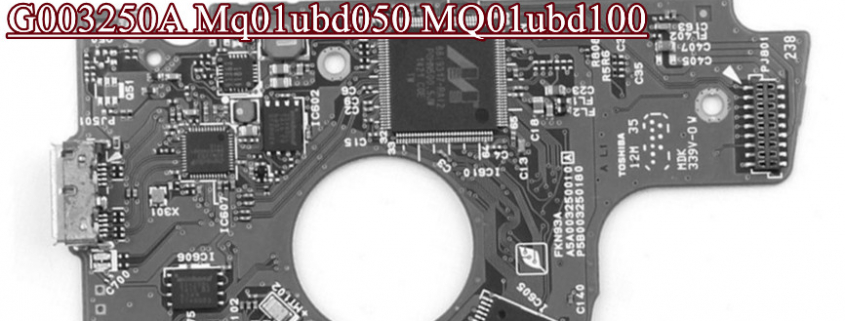
How to recover Toshiba G003250A MQ01UBD100 MQ01UBD050 USB3.0 portable hard drives?

It is very common data recovery case to recover lost deleted data from Toshiba USB3.0 portable hard drives. For DFL users, they usually use DFL-URE USB3.0 data recovery hardware tool to connect the USB drives directly for disk image or file extraction.

In some cases, the portable drives cannot be detected in PC and ask for format to continue; In some cases, when users insert the drives to pc, the pc gets stuck, the drives are actually running very slowly with bad sectors in the booting part; In some cases, the portable hdd has weak heads but still detected, users can use DFL-URE data recovery USB version or NVME version to image by heads; In some cases, the Toshiba portable HDDs have clicking noises indicating head damage, users need to use Hard Drive Ramp Toolkit Pro. to swap heads in clean room environment and then use DFL hdd repair tools and data recovery tools for possible firmware repair and data recovery.

When users are trying to repair firmware corruption or image the patient HDDs with bad sectors or weak heads, users are mostly going to convert the USB interface to SATA interface, for Toshiba G003250A MQ01UBD100 MQ01UBD050 USB3.0 portable hard drives, users have two options: get compatible G003250A SATA PCB or get Toshiba G003250A Sata Connector Pro.

Any question is welcome to sales@dolphindatalab.com or add Dolphin Skype ID: dolphin.data.lab
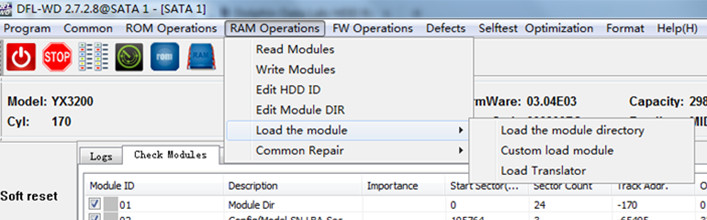
Firmware has two parts: one part of firmware is located on the PCB and the other part of firmware is located on the hard drive platters. When hard drive firmware is corrupted, the hard drive is usually not detected, or wrongly detected or 0 capacity detected. To fix the firmware corruption, users need to read, edit and write the firmware modules. However, when the hard drives have bad sectors in the SA firmware area, the firmware modules cannot be read or written, what to do? Read more

Dolphin team has released the new western digital firmware repair software upgrade with new functions based on Dolphin users’ feedback. These new firmware repair functions help to deal with some difficult faulty drives after head swap or fail to fix with standard repair methods. Read more

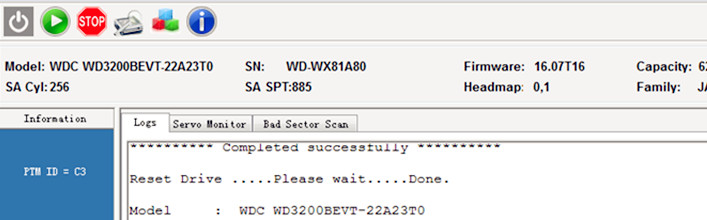
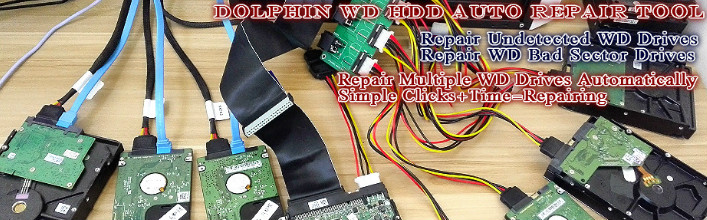
DFL-WD Auto is one famous WD HDD Auto repair tool from Dolphin Data Lab. It is one WD hdd repair hardware with windows-based software. It’s super easy to use and understand, users can see full operations and logs online and can see how the hdd is repaired step by step by the program.

Users just need to have simple clicks to start the repair. Read more

To refurbish Toshiba hard drives requires proper hdd repair knowledge. For new users, it is very important to learn one thing, that is to backup the firmware modules and ROM. Backup is one important operation before any other operations, the backup can be collected as firmware resources, can be prepared for further hdd repair or data recovery purpose.
Read more

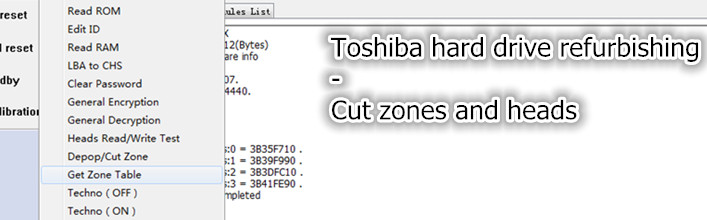
To refurbish Toshiba hard drives, it’s necessary to learn about this hard drive refurbishing method. It is very easy to use DFL-SRP USB3.0 for Toshiba hdd repair tool by this method.

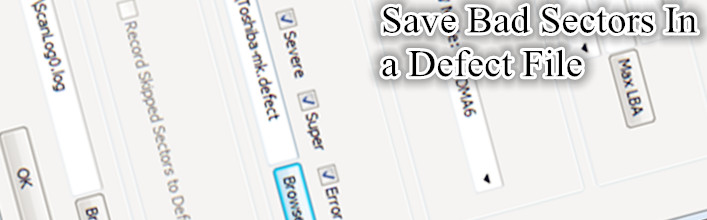
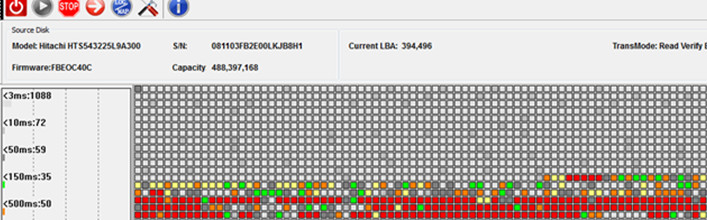
Users just simply need to connect the bad sector hard drive to DFL-SRP hardware and then power on the hard drive by Toshiba hdd repair program, next users go to set the scanning parameters, tick Moderate, Severe, Super delayed and Error sectors to save in one defect file. Read more

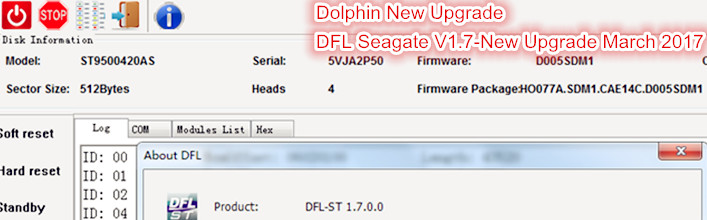
Dolphin Data Lab is now releasing the new software upgrade program DFL ST V1.7 and all Dolphin users with Seagate hdd firmware repair tool can download this new software for free.

Users of DFL PCIe for Seagate, DFL-SRP USB3.0 for Seagate can both use this new software easily by simply downloading and installing the all in one setup software. Read more

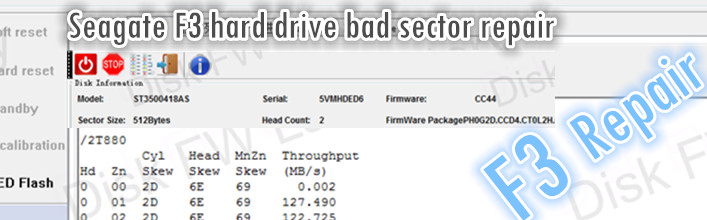
More and more people start to use DFL-SRP USB3.0 for Seagate to repair Seagate hard drive bad sectors, reset smart, remove password, check health status, repair firmware failures, etc. This is one case study on how to use DFL-SRP USB3.0 for Seagate to repair bad sectors.

Hard drive ID information within this case study:

Model number: ST3500418AS  SN: 5VMHDED6 Read more

DFL-WDII has been stopped for software upgrade but users can continue using the previous version of software with this hardware.

DFL-WDII is one western digital hard drive firmware repair hardware tool and it is used to repair WD hdd firmware failures, edit HDD ID, reset smart, remove password, repair bad sectors. Dolphin team has offered free software upgrade to all users for over 3 years. Read more

Dolphin team has released this WD hdd auto repair tool to worldwide clients who are interested in repairing damaged western digital hard drives with bad sectors, password, smart failures, firmware failures and even weak head failures.

The official product name is called DFL Auto Servo and it’s PCIe design which is able to connect 4 hard drives at the same time and repair the failures automatically and make the drives work in good status. Read more